Topic
Note
Affected user: Administrator
Warning
Your event must have at least one topic.
To configure the topics, go to Editorial management > Topic. The screen displays the list of already configured topics.
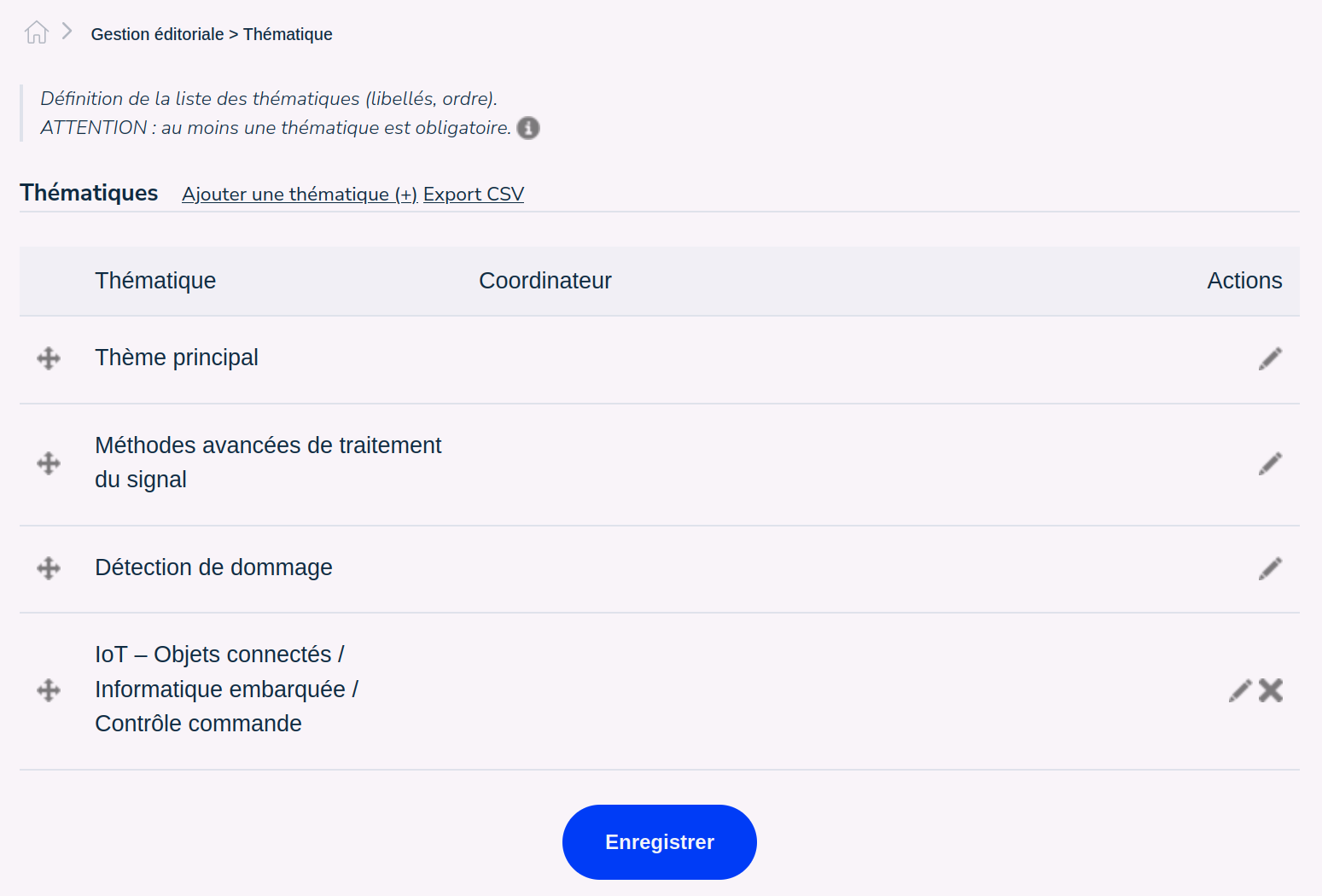
The icon to the left of the line allows you to reorder the lines between them. Click on the icon, hold down the mouse button and move the line up or down, then let go of the mouse button when the line is at the desired location.
To change the title of the topic, click on the pencil to the right of the line concerned. To delete a topic, click on the cross.
Tip
If the cross for deletion does not appear, it means that the topic is used in your event and cannot be deleted.
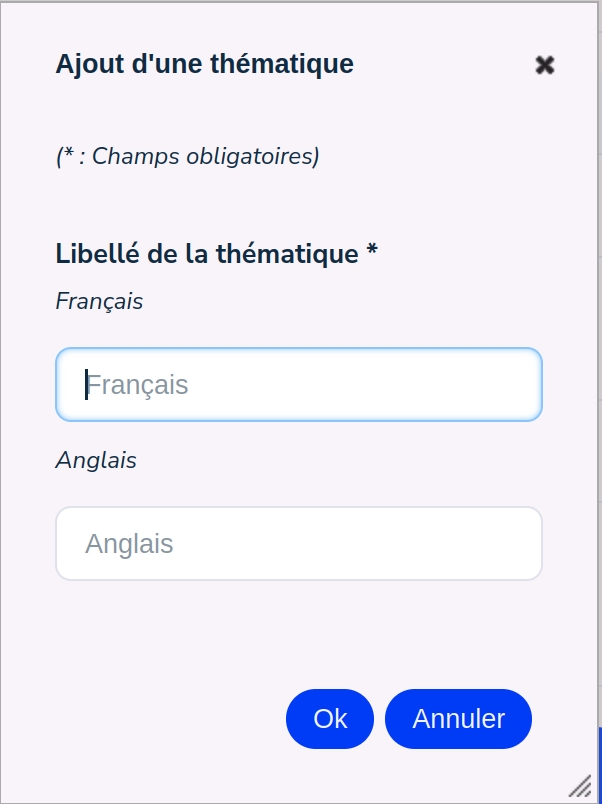
To create a new topic, click on ‘Add a topic (+)’ and enter the title of the topic in the different languages of your site.
The ‘Export CSV’ link allows you to export the list of topics.