Submission type
Note
Affected user: Administrator
Warning
Your event must have at least one submission type.
To set up submission types, go to Editorial management > Submissions type. The screen displays the list of already configured types.
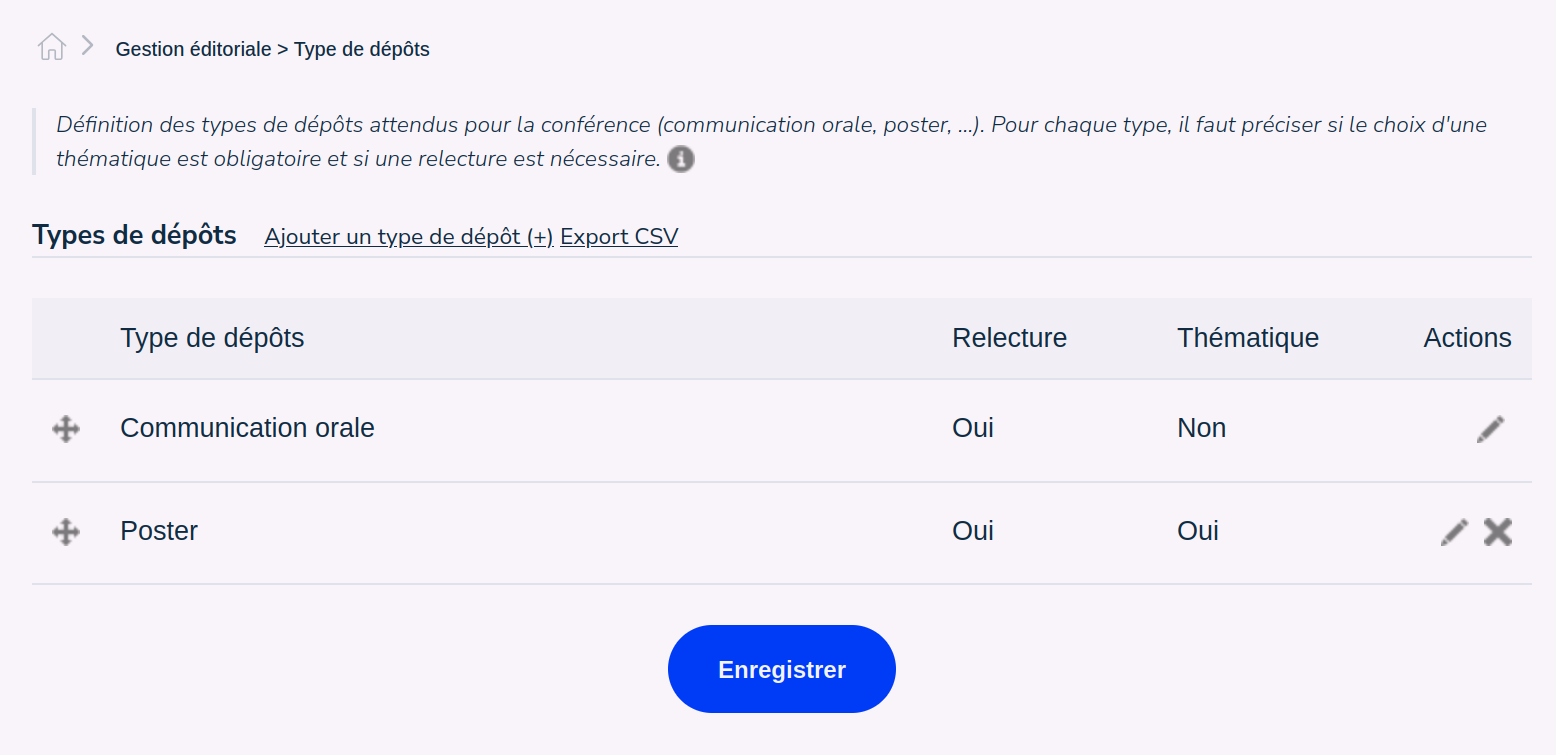
For each type of submissions, the column “Review” indicates if the deposits of this type enter into the reviewing process. The ‘Topic’ column indicates if this type of deposit is related to a topic.
The icon to the left of the line allows you to reorder the lines between them. Click on the icon, hold down the mouse button and move the line up or down, then let go of the mouse button when the line is at the desired location.
To change the label of the type or the parameters, click on the pencil to the right of the line concerned. To delete a submission type, click on the cross.
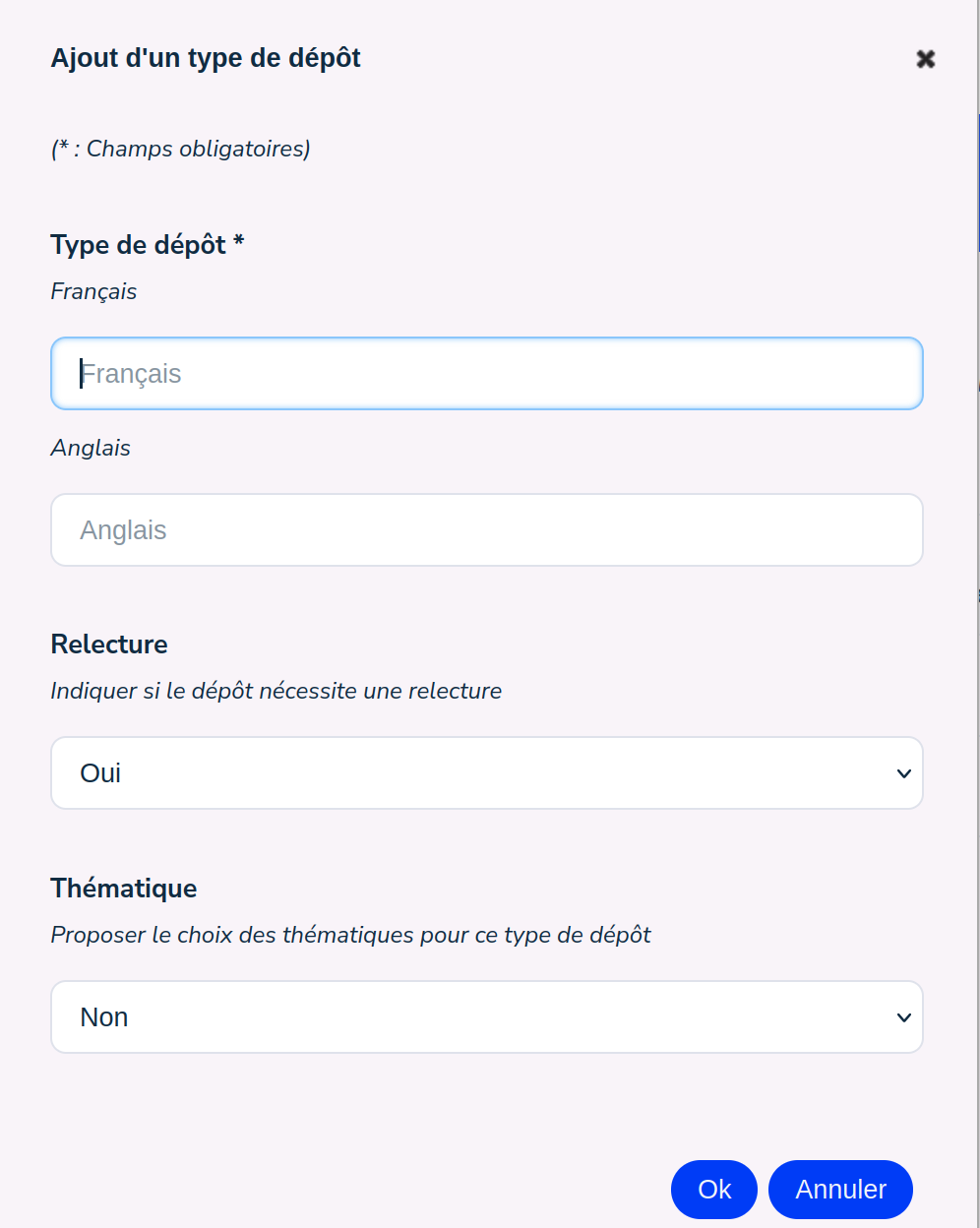
To create a new submission type, click on ‘Add a submission type (+)’ and fill in the form fields.
The ‘Export CSV’ link allows you to export the list of submission types.